Quick Start
You can create your first result within 5 minutes after signing up. Let’s get started the easiest way using EasyApp.
Step 1. Sign Up / Log In
Section titled “Step 1. Sign Up / Log In”Go to nordy.ai and click the Log In button on the screen. You can easily sign up using your Google or Discord account.
Step 2. Enter EasyApp
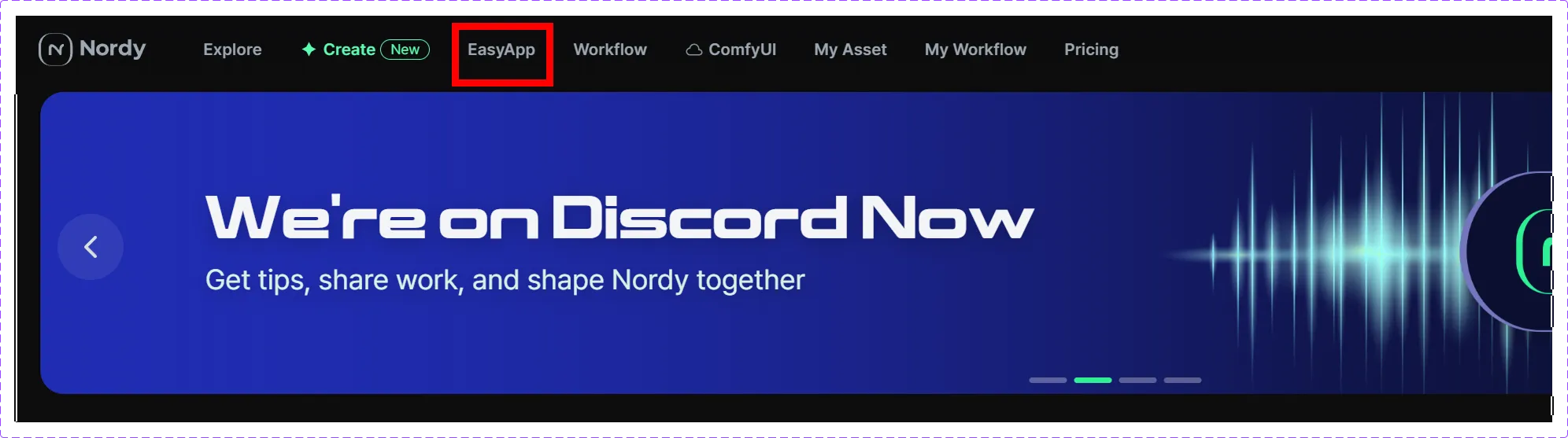
Section titled “Step 2. Enter EasyApp”After logging in, the main screen will appear. Select EasyApp from the top menu.
Step 3. Create Your First Image
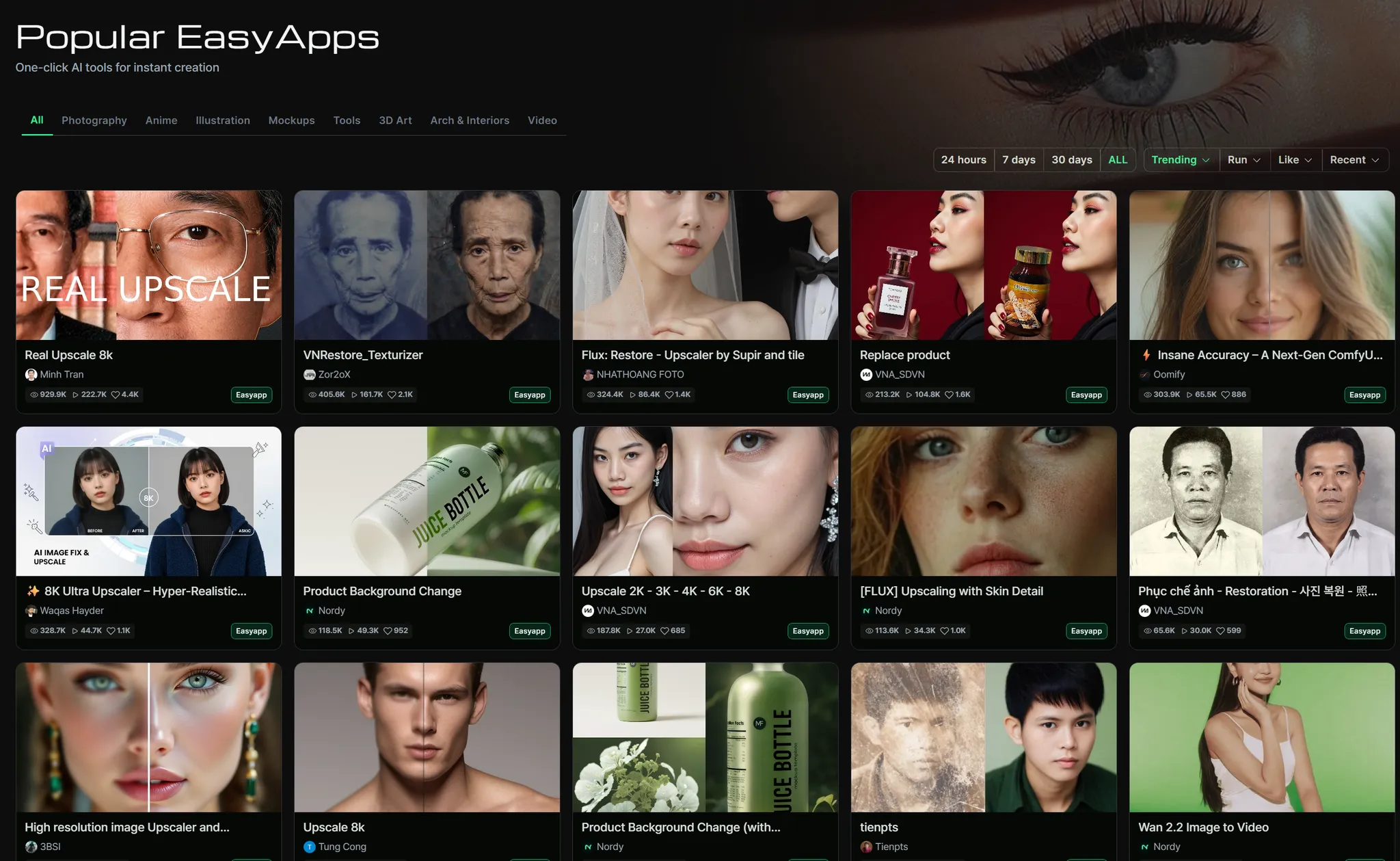
Section titled “Step 3. Create Your First Image”Pick one of the recommended EasyApps below to get started.
| EasyApp | What it does | Link | Difficulty |
|---|---|---|---|
| Upscale | Enhances image resolution. All you need is a single photo to try it out. | https://nordy.ai/easyapp/673faccc3c269af1b336c66b | ★☆☆ |
| Background Remove | Automatically removes the background from an image. Very practical. | https://nordy.ai/easyapp/66d19241336c3d7472b0ea25 | ★☆☆ |
| Relighting | Changes the lighting on an image. The results are dramatically different. | https://nordy.ai/easyapp/69116a346e53d871edff0604 | ★☆☆ |
- Select the EasyApp you want.
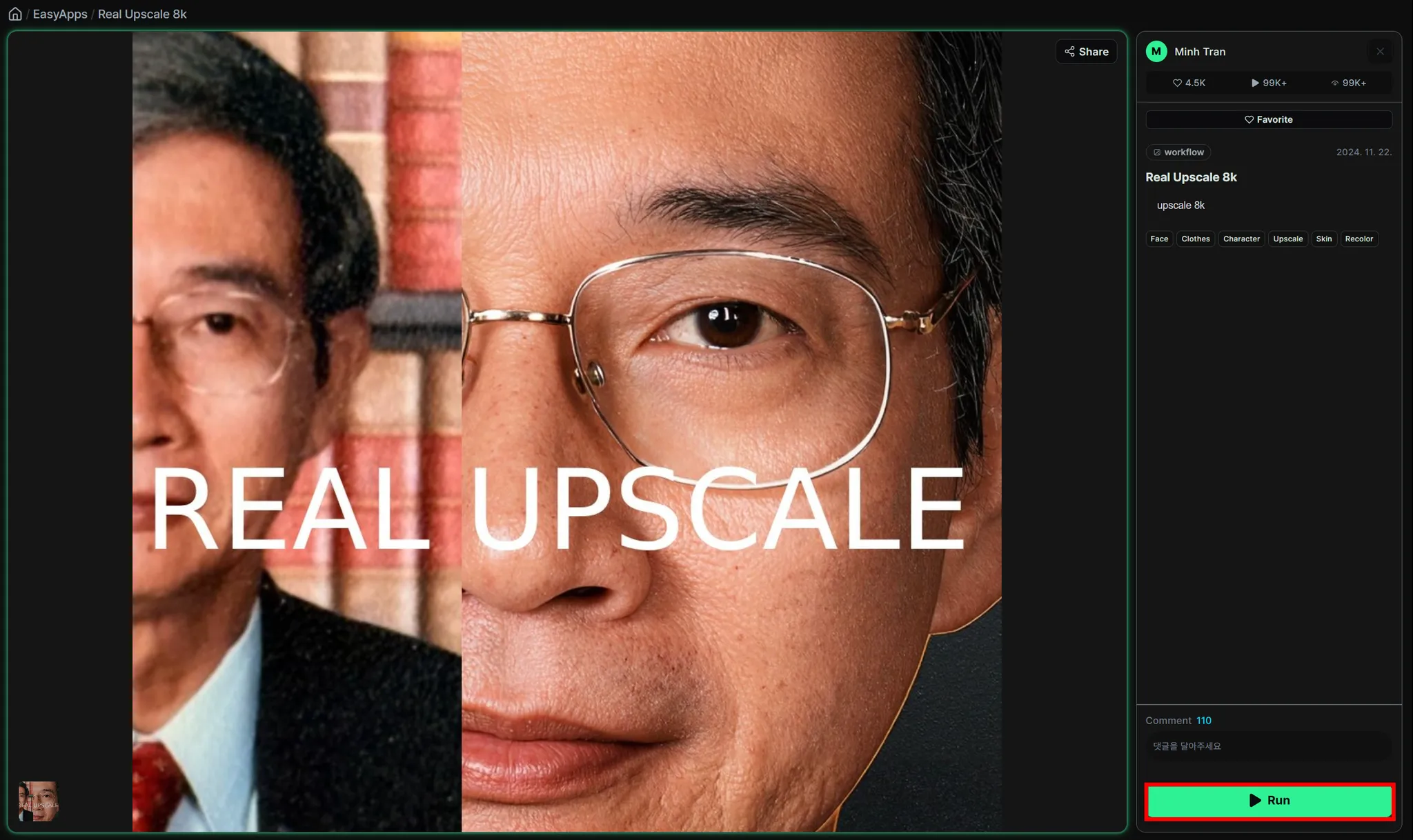
- Click the Run button.
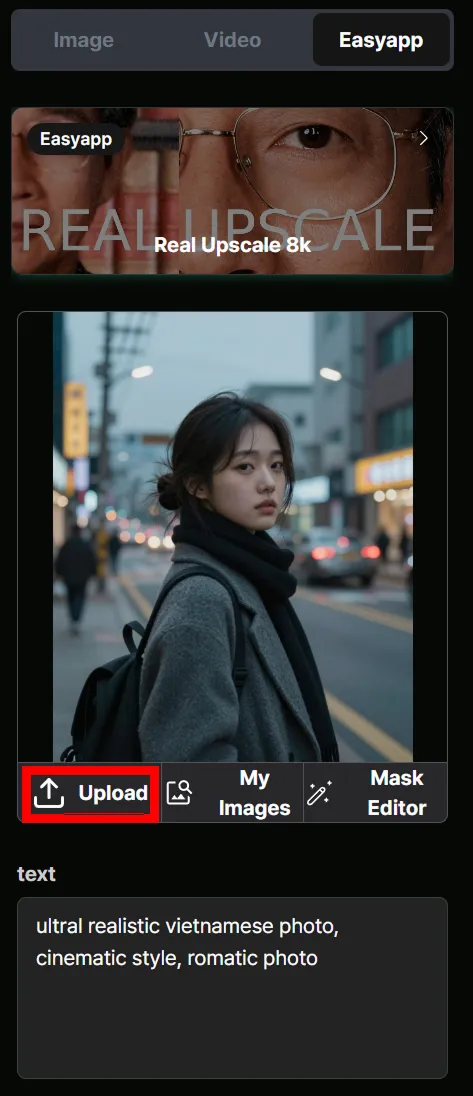
- Click Upload to upload your image.
- With EasyApp, you can use it right away without needing to enter any additional text.
- Click the Create button.
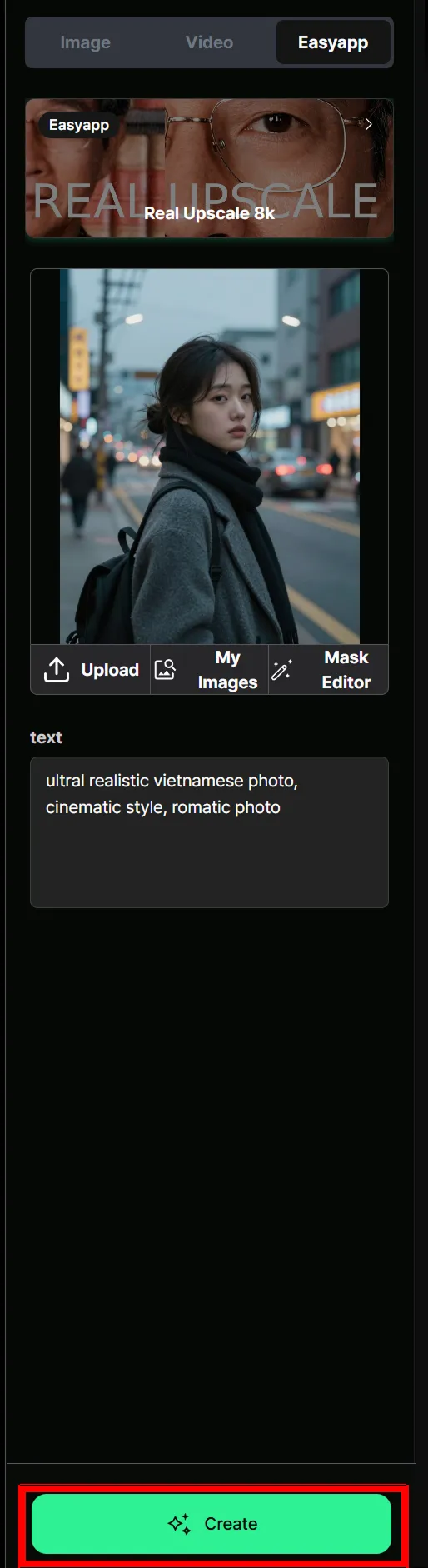
- Wait a moment and your result will appear.
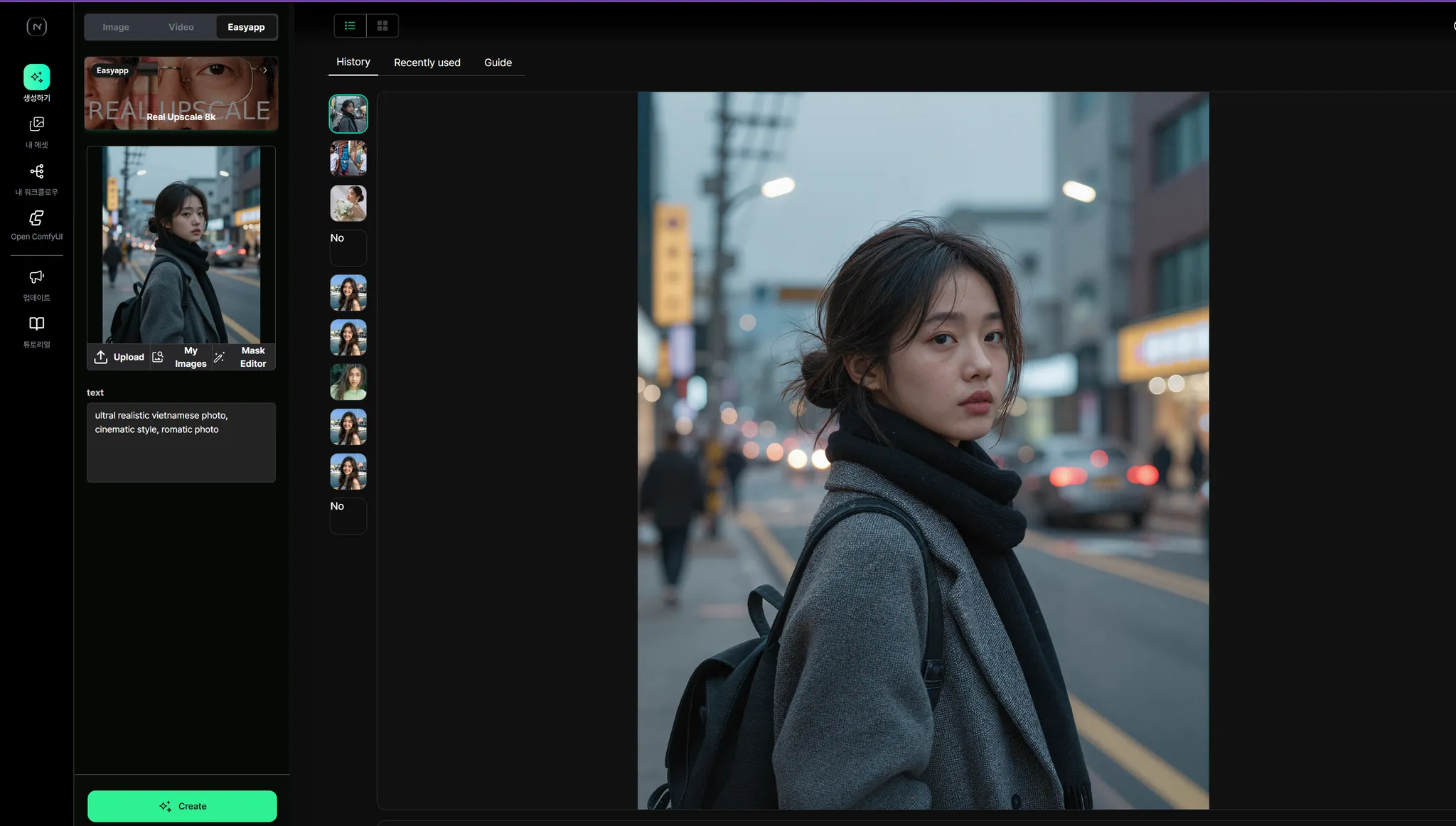
Background Remove
Section titled “Background Remove”- Select the Background Remove EasyApp.
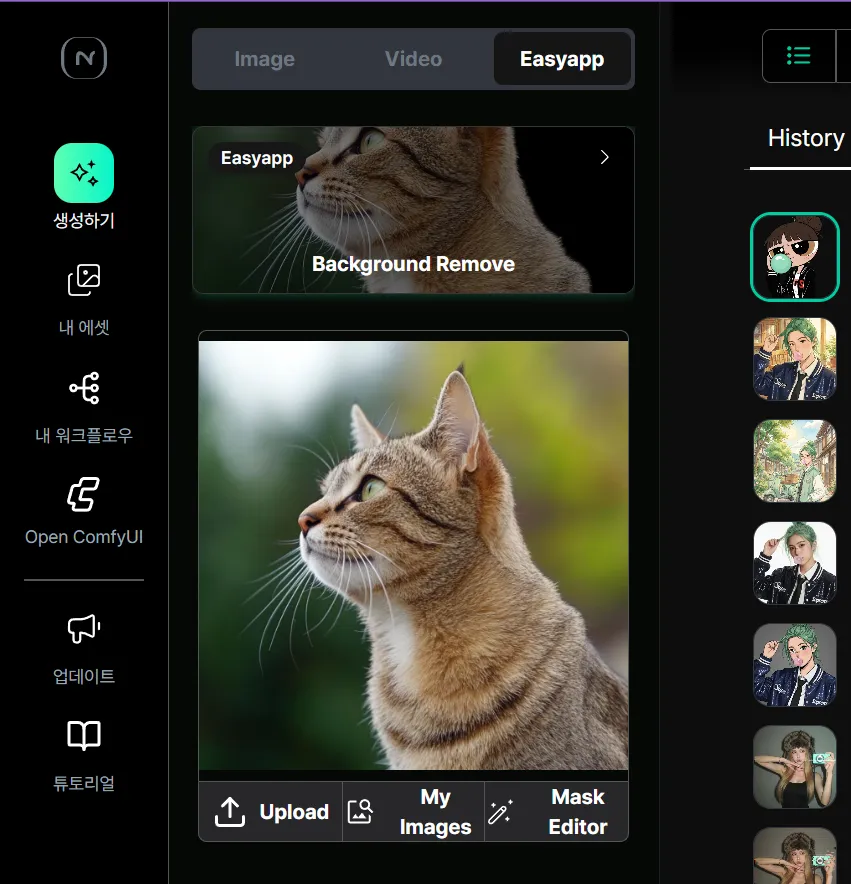
- Click Upload to upload your image.
- With EasyApp, you can use it right away without needing to enter any additional text.
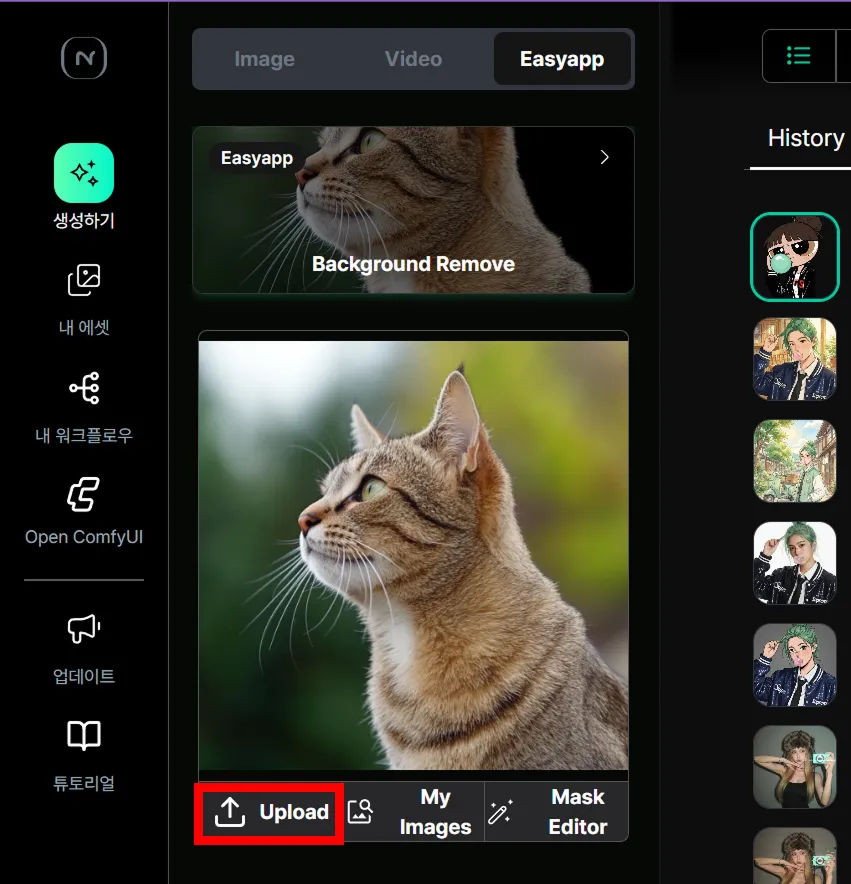
- Click the Create button.
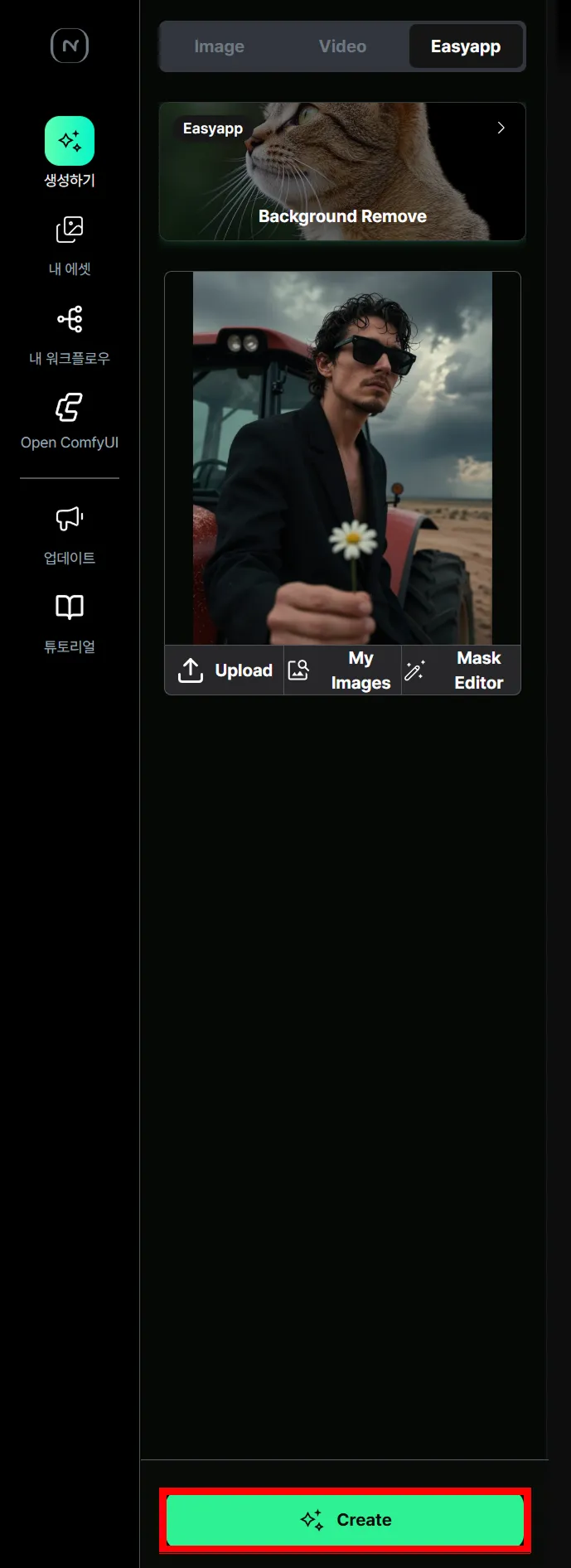
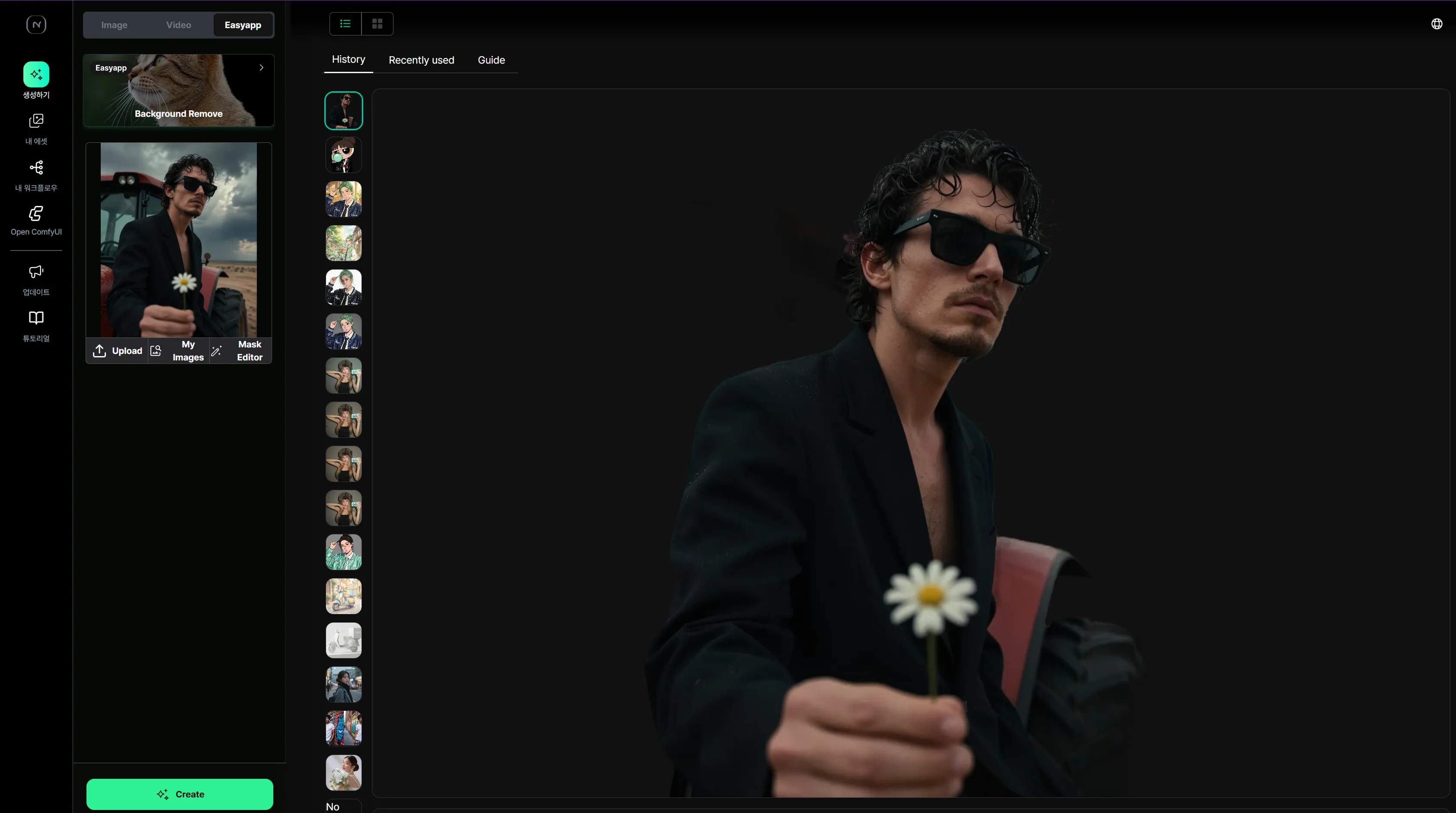
- Wait a moment and your result will appear.
Relighting
Section titled “Relighting”- Select the Relighting EasyApp.
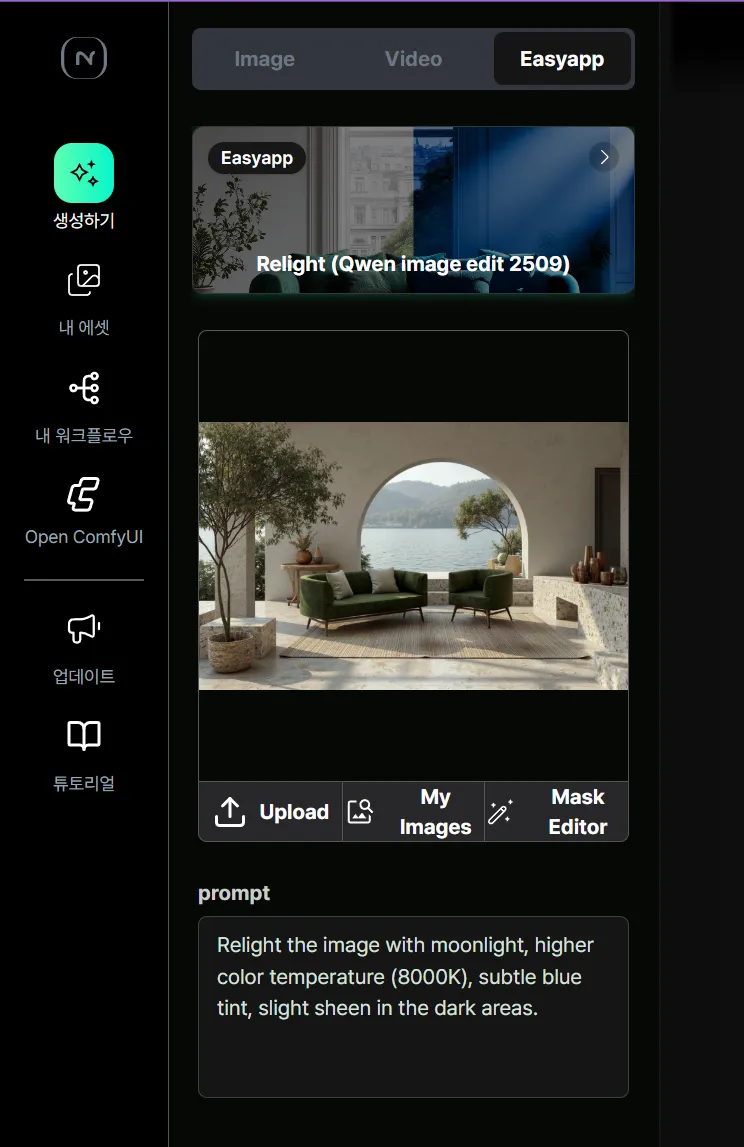
- Click Upload to upload your image.
- With EasyApp, you can use it right away without needing to enter any additional text.
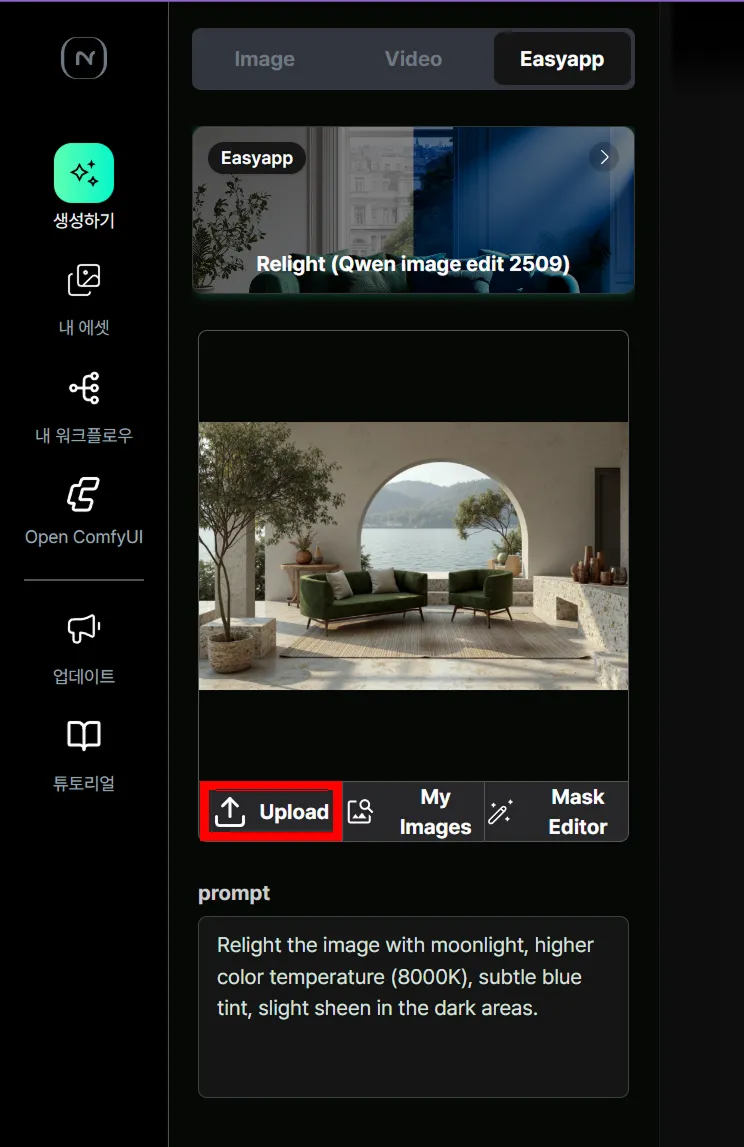
- Click the Create button.
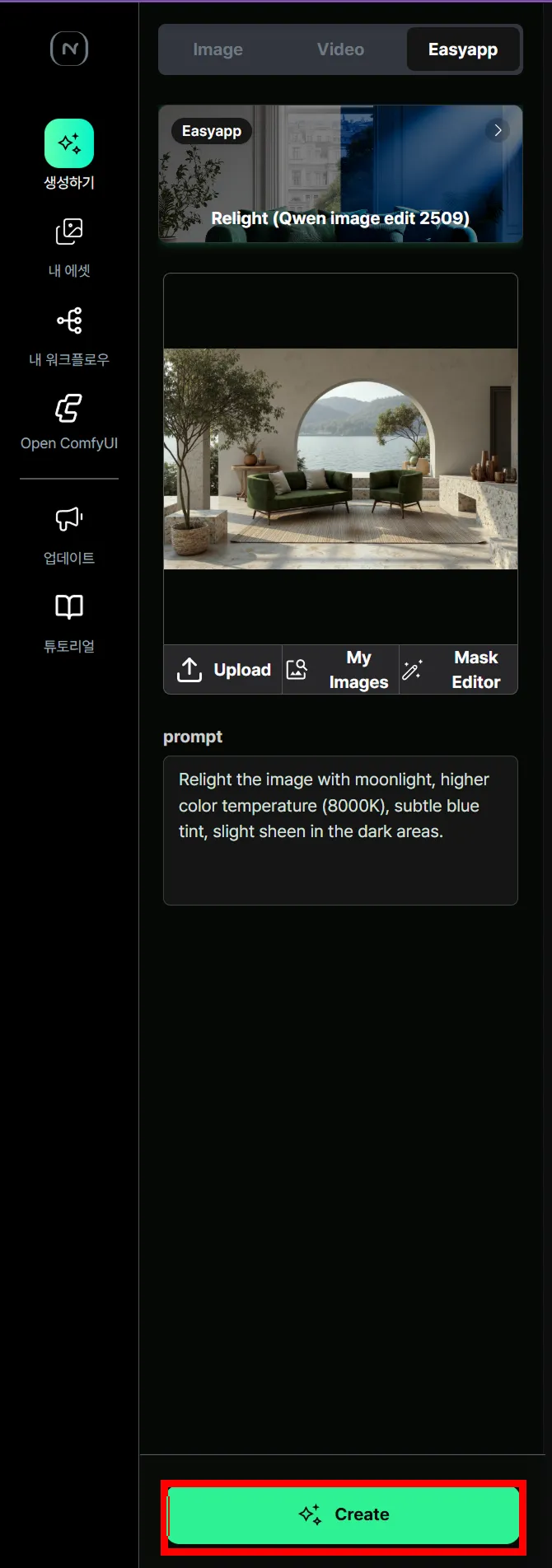
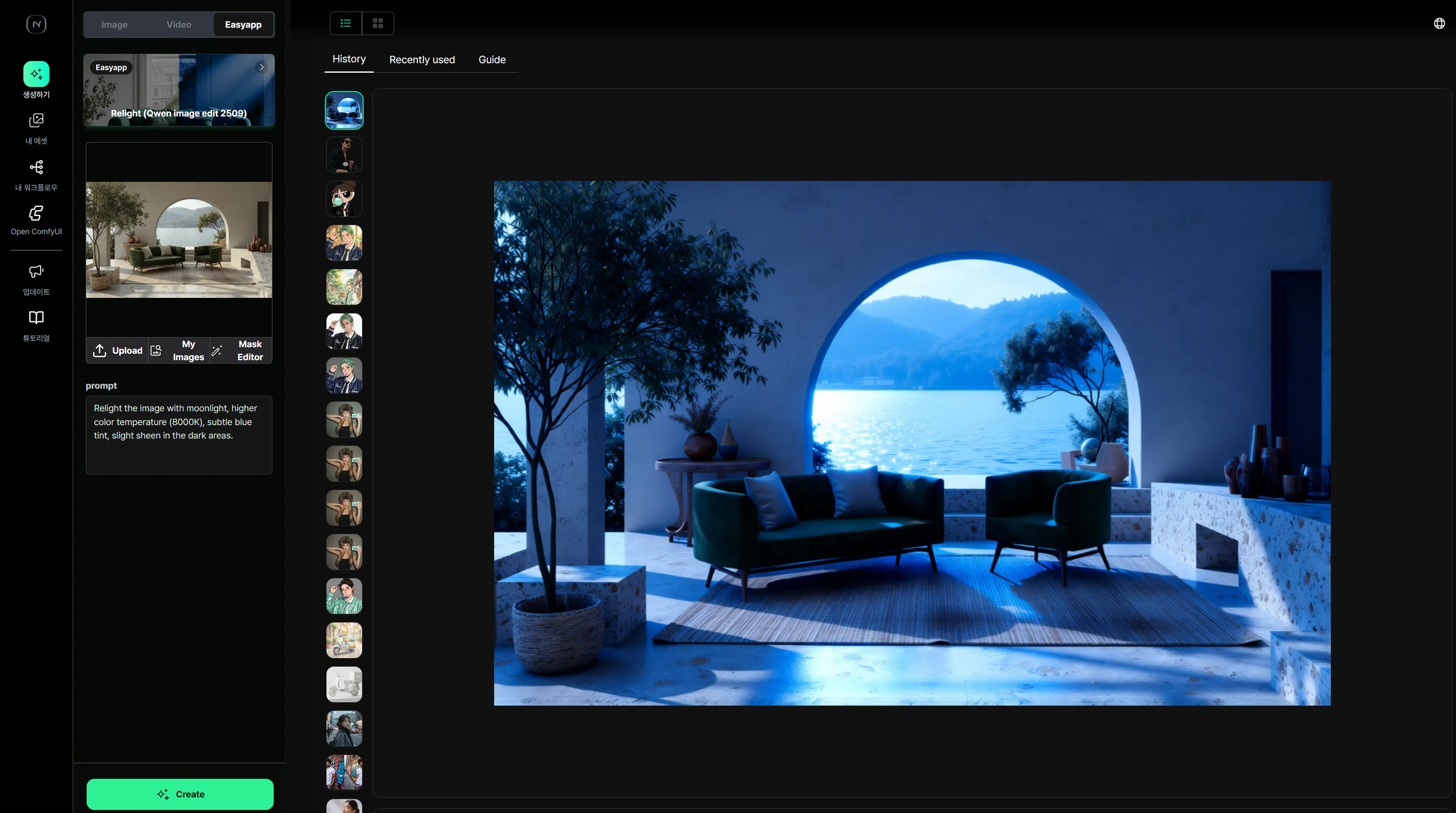
- Wait a moment and your result will appear.
Step 4. View & Download Results
Section titled “Step 4. View & Download Results”Once generation is complete, the resulting image will be displayed on screen.
You can view the generated result images in two ways:
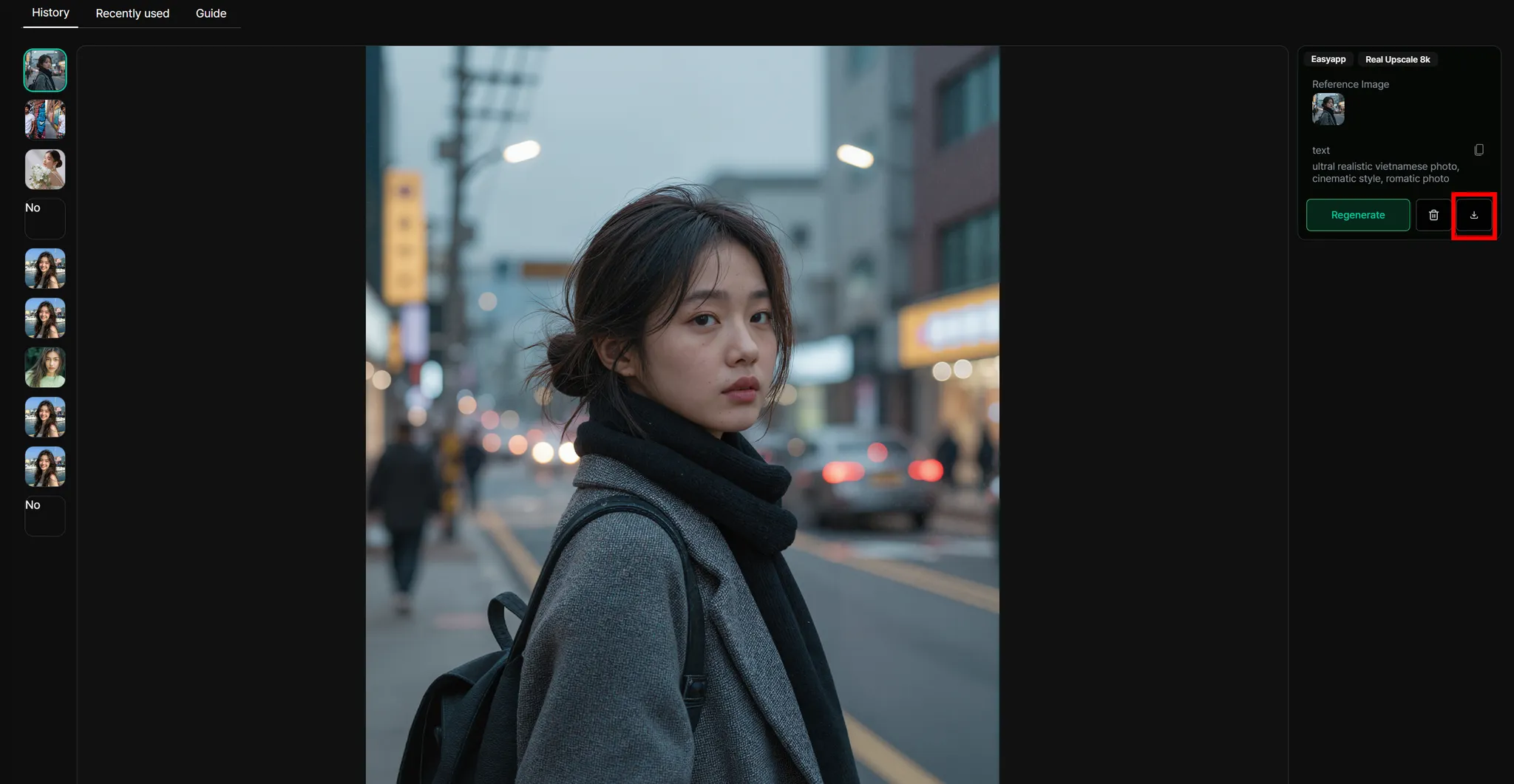
To download a result, click the download icon on the right side to save it.
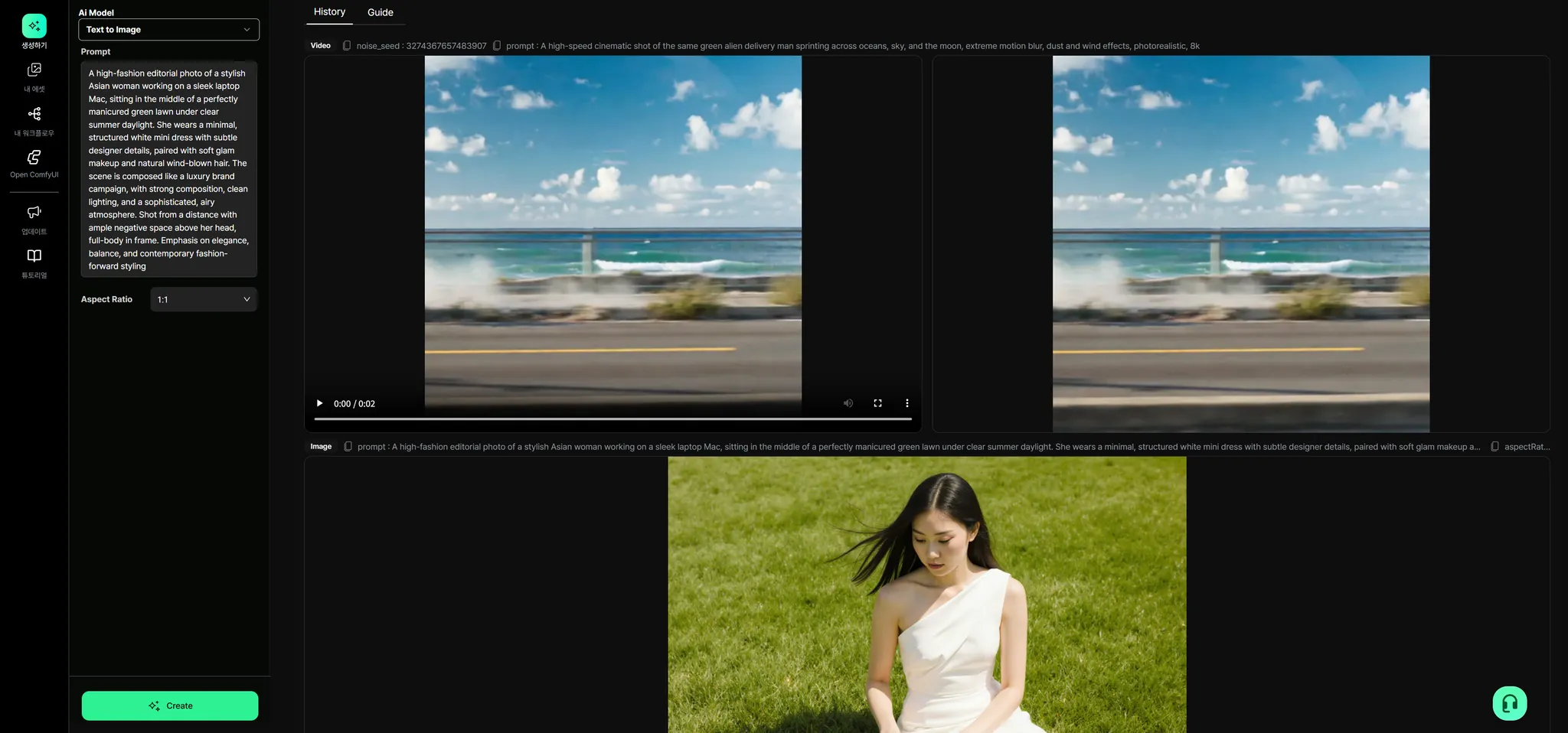
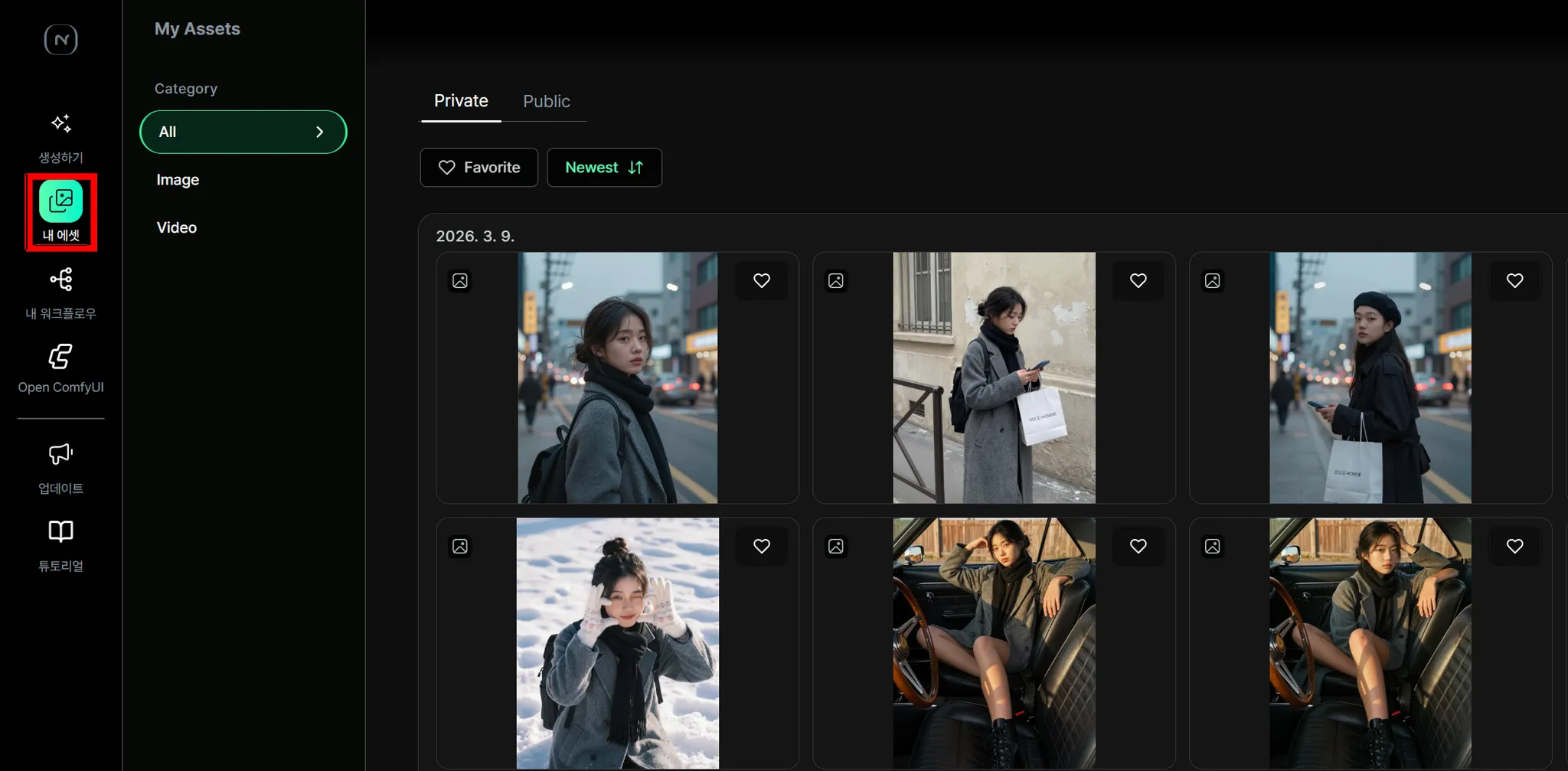
You can also revisit previously generated images from the [My Asset] menu.
Step 5. What to Try Next
Section titled “Step 5. What to Try Next”Once you’re comfortable with EasyApp, move on to the next step.
- Try other EasyApps as well → Browse EasyApps
- Create images directly with prompts → [3-1. Generator]